- Runs on the duoCo Strip app
- 9.84ft · 32–43in TVs
- Pulses to music from its own mic
The light pairs inside its own app, never in the phone's Bluetooth menu. Switch Bluetooth on, open Lotus Lantern, duoCo Strip or whichever app came with the set, and within a few seconds the glow is yours to play with.
Lit up to date · September 2026Power the light, turn Bluetooth on, then open the app named on the box and wait 5–10 seconds: the controller connects by itself. Do not pair ELK-BLEDOM in the phone's Bluetooth settings. If nothing appears, unplug the light, plug it back in and reopen the app.
Open the Bluetooth menu near one of these lights and a device named ELK-BLEDOM pops up, which looks a lot like a speaker waiting to play. It is the controller of an LED light: a strip, a neon rope, a TV backlight, a cloud or a lamp that glows and dances to music. There is no speaker inside, so tapping pair in the phone's settings gets you nowhere.
The controller talks Bluetooth Low Energy, the same low-power radio fitness bands use. Low-energy gadgets are built to be reached from inside an app, not paired like headphones. That is why makers such as ZOKON and WUYXPG spell it out: turn on the phone's Bluetooth, no need to pair, and open the app.
Three things live in that little box on the cable:
Pairing in the settings menu does more harm than good. The phone may hold the link open in the background, and then the app cannot see the light at all.
Which app to open depends on the set; the split between Lotus Lantern, duoCo Strip, duoCo StripX and Magic Lantern is laid out in the ELK-BLEDOM app guide.
| What you see | Likely reason | Try this |
|---|---|---|
| App opens, device list stays empty | Bluetooth or location permission is off for the app | Allow Bluetooth (iPhone) or Nearby devices / Location (Android), then reopen |
| ELK-BLEDOM shows in Bluetooth settings but not in the app | The phone paired with it in settings | Forget the device in settings, then connect from the app |
| Light found once, now missing | Another phone or tablet is still connected | Close the app on the other device or turn its Bluetooth off |
| Nothing after a minute of waiting | Controller stuck after a power blip | Unplug the light, plug it back in, restart the phone, try again |
| Wrong app installed | duoCo Strip and duoCo StripX are different apps | Scan the QR code on the control box and install that app |
| Connected, but one pre-cut strip stays dark | A strip plugged in the wrong way round | Reseat it; WUYXPG notes each strip is directional |
Steps follow the connection instructions ELK-BLEDOM light makers print, plus standard iOS and Android Bluetooth permissions.
An iPhone gets the lights dancing in about the time it takes to pour a drink. The only step people miss is the Bluetooth permission the app asks for on first launch, so read that pop-up before you tap.
MATICOD describes the result for its 9.84ft TV backlight: the light connects by itself and sits in the device list on the far left of duoCo Strip. From there the colour wheel, music mode and timers are one tap away.
Tapped Don't Allow by accident? Go to Settings, find the light app, and switch Bluetooth on for it. Reopen the app and the search starts again.
One iPhone twist: Sunity's controller maker lists its iOS app as LotusLanternX, while Android uses Lotus Lantern. Search that name if the QR code sends you nowhere.
MATICOD Bluetooth TV Backlight |
MORIACC TV LED Backlight |
AILBTON IP68 Outdoor Strip Lights |
ZOKON 3D Cloud Lightning Light |
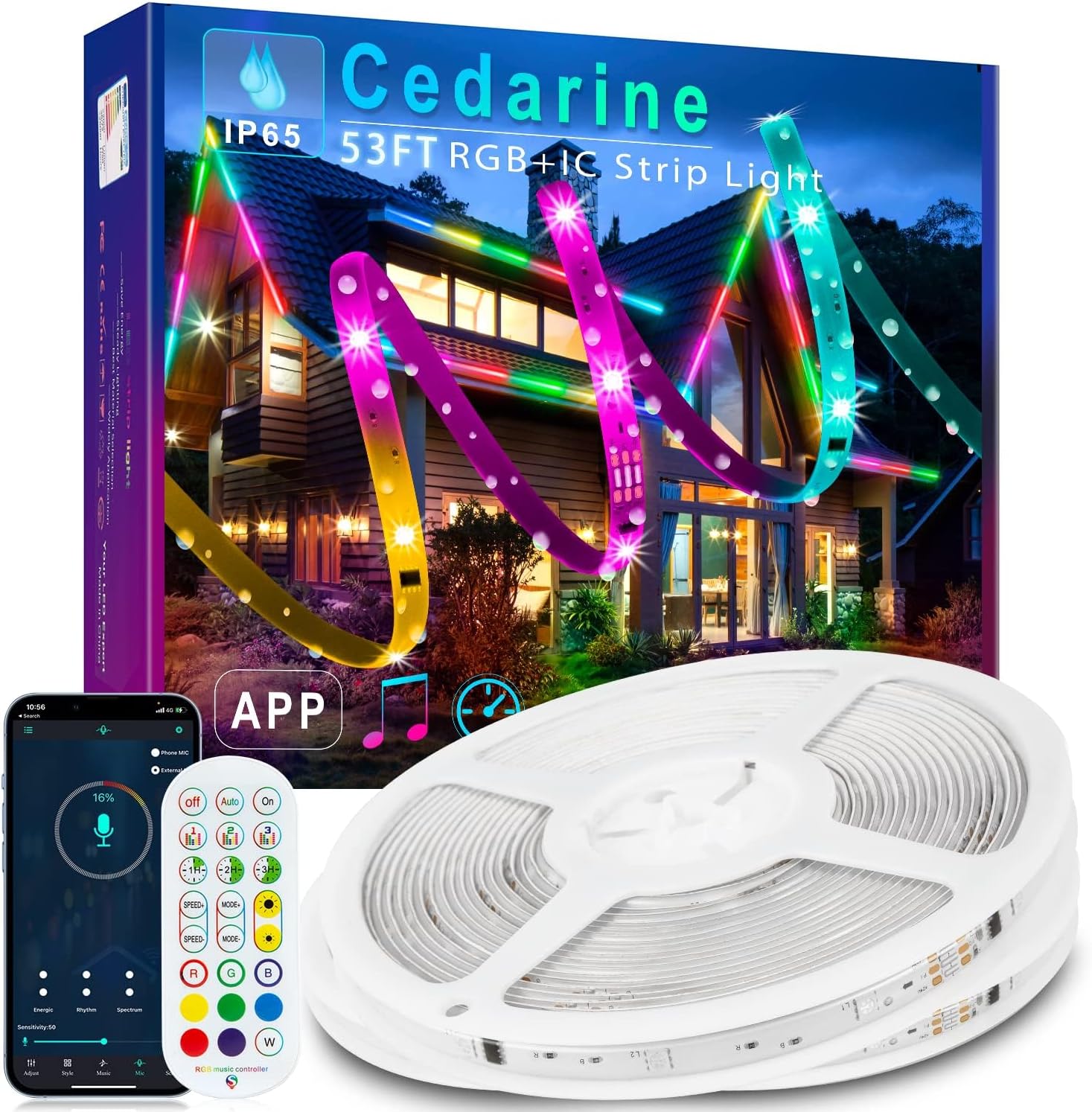
Cedarine RGB+IC Outdoor Strip, 53ft |
Jushope Fiber Optic Car Ambient Kit | |
| Kind | TV backlight | TV backlight | Outdoor strip | Lamp & decor | Outdoor strip | Car light |
| App | duoCo Strip | duoCo Strip | Lotus Lantern | duoCo StripX | duoCo Strip | Lotus Lantern |
| Length | 9.84ft | 16.4ft | 100ft | — | 53ft | — |
| Fits TVs | 32–43in TVs | 45–75in TVs | — | — | — | — |
| Colour effects | RGB | RGB | RGB | Multi-zone (IC) | Multi-zone (IC) | RGB |
| Music sync | Built-in mic | Built-in mic | Built-in mic | Built-in mic | Built-in mic | Built-in mic |
| Power | USB 5V | USB 5V | 24V adapter | USB 5V | — | USB or wired 5–24V |
| Weatherproof | — | — | IP68 | — | IP67 | — |
| Remote | 21-key remote | Remote | Remote | Remote | Remote | RF remote |
| See the glow | See the glow | See the glow | See the glow | See the glow | See the glow |
Android finds ELK-BLEDOM controllers just as happily, but it guards Bluetooth scanning behind a permission. Grant it and the strip shows up in seconds; skip it and the device list stays dark forever.
Missed the prompt? Open Settings, then Apps, choose the light app and turn on its Nearby devices or Location permission. Some phones also stop apps from scanning when battery saver is strict, so try again with it off.
A tablet works the same way. It makes a handy wall-mounted party controller, as long as the phone in your pocket is not already holding the connection.
Plenty of families mix iPhones and Android phones. The app, the steps and the result are the same on both; only the permission names change.
Cedarine's 53ft IP67 RGB+IC strip comes with a 2.4G remote that passes through obstacles, and the maker quotes up to 656ft for the remote and duoCo Strip app. Up to ten sets link into one 530ft run that chases in step.
See the glowMost connection trouble traces back to a few familiar causes, each with a quick fix. Work through them in order, from quickest to slowest, and the colours usually return before the next song ends.
Car kits bring one extra check. If the lights run from the 12V socket, many cars cut that socket when the ignition is off, and the controller vanishes with it.
A connection that works but leaves part of the set dark is a wiring issue, not a pairing one. WUYXPG ships its six pre-cut strips already connected and notes that each strip is directional, so a reseated plug must go back the same way round.
Once the first phone is connected, the next question is usually how the rest of the house joins in. The answer depends on the remote in the box and on who holds the app at any moment.
Every phone can install the same app and control the light, just not all at once. Close the app when you are done so the next person's phone can find it, or leave the everyday changes to the remote.
Where the control box sits matters for more than signal. SILFU and segrass both point out that the controller is not waterproof, even when the neon itself is, so outdoor runs need the box under cover.
Place it near the middle of the room too, not behind a metal TV stand. The phone reaches it more easily from the sofa, and the built-in mic hears the music better for sound-reactive modes.
For a bigger light show, one Magic Lantern app can run one or several SAMGCHI car sets, and Cedarine links up to ten strips into one 530ft run. Everything else in the lineup, from neon rope to firework lights, is on the ELK-BLEDOM light homepage.
ELK-BLEDOM is an LED light controller, not a speaker. Turn Bluetooth on, open the app named on its box (Lotus Lantern, duoCo Strip, duoCo StripX or Magic Lantern) and it connects within 5–10 seconds without pairing in settings.
The light's controller advertises that name over Bluetooth Low Energy. Leave it unpaired there; the app finds it on its own.
Usually a missing Bluetooth, Nearby devices or Location permission, another phone already connected, or the wrong app. Fix the permission, free the controller and unplug the light for a few seconds.
Both can install the app, but the controller normally accepts just one link at once. Quit the app on the first phone before the second one connects.
No. The remote talks to the receiver on the control box directly and works whether or not a phone is connected.